Hire a Dental AI Automation Specialist Who Keeps Your Schedule and Front Office Moving
Connect patient inquiries, scheduling, reminders, intake, recall and practice-management workflows so your team spends less time chasing routine admin and more time supporting patients.
Your practice systems. Your patient relationships. Human oversight where it matters.
Meet your matched specialist within 48 hours.
What does a Dental AI Automation Specialist do?
A Dental AI Automation Specialist builds and maintains administrative workflows that connect patient inquiries, scheduling, reminders, recalls, intake forms, practice-management software and communication tools so repetitive front-office work happens consistently while clinical judgment and sensitive patient communication remain human-controlled.
They can automate:
- appointment confirmations
- reminder sequences
- new-patient form delivery
- recall-list outreach
- overdue-patient reactivation
- cancellation waitlist notifications
- review requests
- recurring administrative reports
They should NOT replace:
- diagnosis
- treatment planning
- clinical recommendations
- emergency clinical triage
- informed-consent conversations
- sensitive patient complaints
AI can accelerate administrative workflows. It should not make clinical decisions for the dentist.
Not sure what to automate vs. keep human? We'll map your exact workflow on a 15-minute call — and show you where the leverage is.
Your front desk is not short on work. It is short on uninterrupted time.
Dental teams manage phones, check-ins, scheduling, insurance questions, patient forms, treatment conversations and chair flow at the same time. Repetitive follow-up often gets pushed to whatever time is left.
new-patient calls arriving while staff are helping someone at the desk
online inquiries waiting until later in the day
appointment confirmations handled one patient at a time
patients forgetting appointments despite previous confirmation
cancellations opening same-day schedule gaps
recall lists growing faster than staff can work them
overdue hygiene patients receiving inconsistent outreach
intake forms completed after arrival instead of before
The goal is not to automate your front desk away. It is to give your front desk fewer repetitive things to remember.
Every unworked lead costs you a deal. Let's map the workflow that's leaking revenue — on a 15-minute call.
Automate predictable admin. Keep clinical decisions human.
Good automation candidates
Lead intake & routing
Nurture & follow-up
Pipeline & appointments
Transactions & reporting
Keep human oversight for
Negotiation & strategy
Client relationships
Legal & licensed activity
The best dental automation system is designed around escalation, not just completion.
See exactly which tasks your dedicated VA can own — and how fast they're deployed. 15 minutes, no obligation.
What gets automated first?
We start with the automations that recover the most revenue fastest. Here are the three we deploy first — and three more we layer in as your system matures.
New-Patient Inquiry & After-Hours Intake
Highest impactDo not let AI diagnose symptoms — route clinical questions to staff.
Appointment Confirmations & Reminders
Respect patient communication preferences and applicable consent requirements.
New-Patient Intake Forms
Never send protected health information through unapproved systems.
Every unworked lead is a deal your competitor closes. Let's deploy the automation that recovers it — on a 15-minute call.
Map it. Simplify it. Automate it. Own it.
Dental workflows involve patient privacy, schedule constraints and clinical boundaries. The process must be understood before any automation goes live.
MAP IT
Map phone flow, web inquiries, patient communication preferences, appointment types, scheduling rules, recall policies, cancellation procedures, intake, practice-management software, insurance admin, treatment follow-up, review workflow, privacy requirements and escalation rules.
SIMPLIFY IT
Identify duplicate data entry, unnecessary manual steps, unclear ownership, inconsistent statuses, duplicate patient records and communications that should stop after a response.
AUTOMATE IT
Connect appropriate PMS, patient communication platform, phone / messaging system, forms, calendar, CRM where used, automation platforms, approved AI services and reporting tools.
OWN IT
Test new patient, existing patient, duplicate record, canceled appointment, late cancellation, no-show, clinical question, human-help request, emergency language, incorrect phone number, communication opt-out, incomplete form and integration failure. Then document, monitor, maintain and update.
Dental automation should be designed around exceptions before it is trusted with routine patient communication.
See the exact 4-stage path from audit to live automation — mapped to your business on a 15-minute call.
Meet the kind of specialists who understand dental front-office workflows.
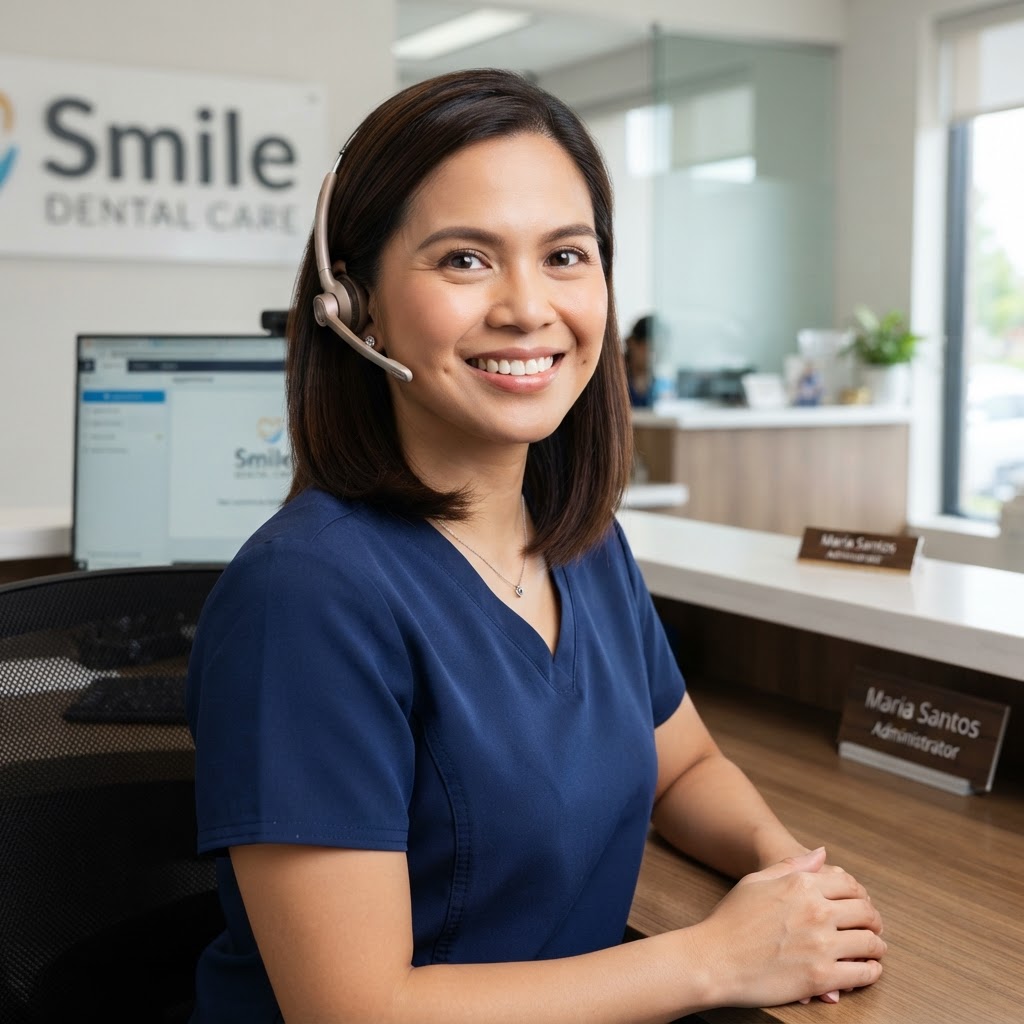
Maria D.
Dental Workflow Automation Specialist
Philippines · 6 years experience
Specialties
- dental recall workflows
- appointment reminders
- intake automation
- patient communication
- workflow documentation
Tools
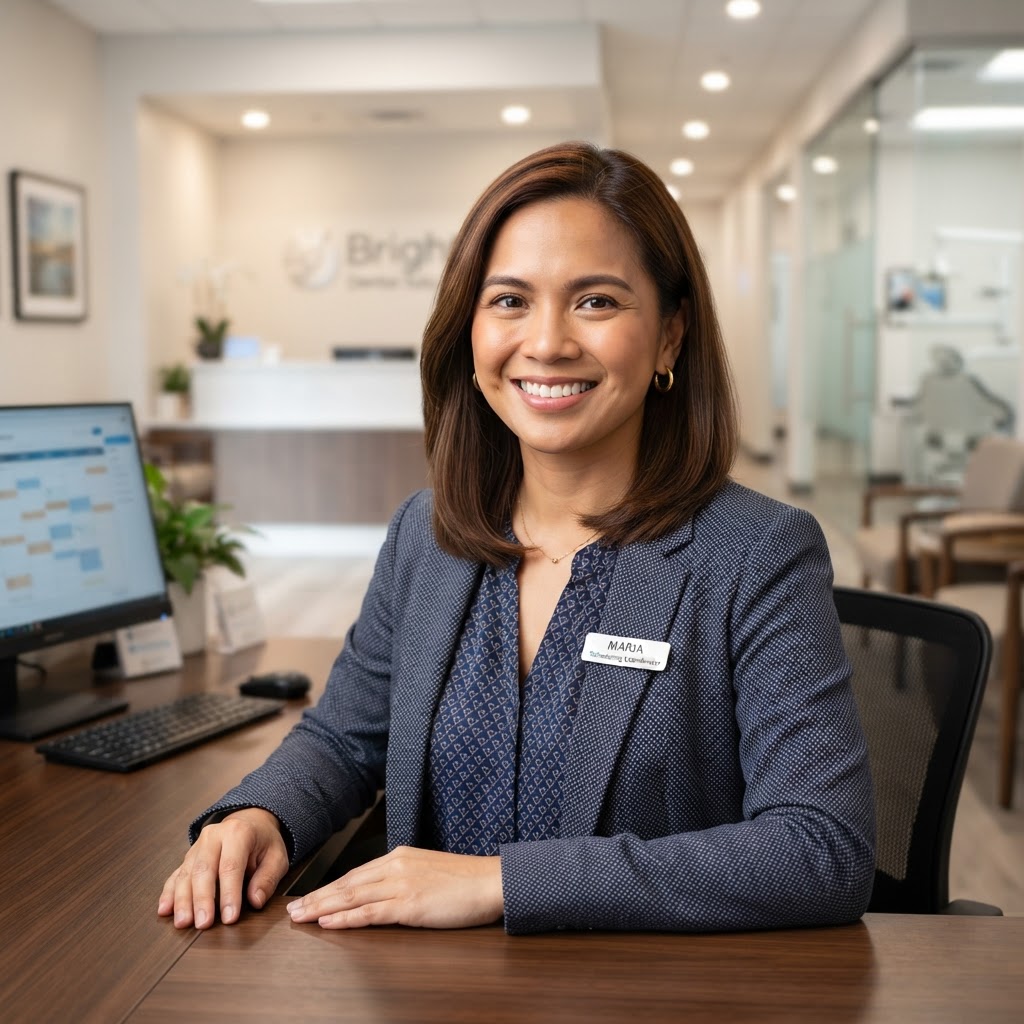
Angela R.
Dental Scheduling & Automation Specialist
Philippines · 5 years experience
Specialties
- scheduling workflows
- cancellation recovery
- waitlist processes
- patient reminders
- reactivation
Tools

Paolo M.
Dental Systems Automation Specialist
Philippines · 7 years experience
Specialties
- PMS integrations
- workflow mapping
- reporting
- intake systems
- front-office operations
Tools
Meet your top 3 hand-matched candidates within 48 hours.
Built around the dental systems your practice already uses.
Practice Management Systems
 Dentrix
 Open Dental
 Eaglesoft
 Curve Dental
 Dentrix Ascend
Patient Communication / Scheduling
 NexHealth
 Weave
Weave GoHighLevel
Automation
 Zapier
 Make
Make n8n
n8nAI
 ChatGPT
 Claude
 Gemini
Productivity
 Google Workspace
 Notion
 ClickUp
 Airtable
Phone / Communication
 Twilio
Marketing
 Canva
Canva Mailchimp
 Social scheduling tools
All tools your team uses are supported — our specialists quickly adapt to your custom workflows, internal portals, and software stack.
All tools supported — Book a 15-min callYour practice system should tell you who needs attention next.
A dental practice-management system is only useful when patient records are current, appointment statuses mean something, recall lists are accurate and follow-up actually happens.
Automation cannot fix a system nobody trusts. Clean structure comes first.
Active CRM Automations Built Into Your Pipeline
Every automation is built directly inside your own accounts with clear logging and zero proprietary lock-in.
Audit your CRM workflowMap automation across the full dental patient journey.
Inquiry
New or returning patient calls, messages or submits a website form.
Intake & Qualification
Administrative intent captured; service category and urgency noted.
Appointment Booked
Slot selected per provider, chair and appointment-type rules.
Confirmation & Forms
Confirmation sent; secure intake link delivered with reminders.
Patient Arrives
Check-in recorded; PMS updated; chair flow notified.
Visit Complete
Treatment notes entered by clinical staff; next steps captured.
Follow-Up & Recall
Post-visit follow-up, review request and recare scheduling triggered.
Reactivation
Inactive or overdue patients enter approved reactivation outreach.
Inquiry
New or returning patient calls, messages or submits a website form.
Intake & Qualification
Administrative intent captured; service category and urgency noted.
Appointment Booked
Slot selected per provider, chair and appointment-type rules.
Confirmation & Forms
Confirmation sent; secure intake link delivered with reminders.
Patient Arrives
Check-in recorded; PMS updated; chair flow notified.
Visit Complete
Treatment notes entered by clinical staff; next steps captured.
Follow-Up & Recall
Post-visit follow-up, review request and recare scheduling triggered.
Reactivation
Inactive or overdue patients enter approved reactivation outreach.
Every lifecycle stage is an automation opportunity — and a place where the wrong message at the wrong time frustrates patients.
See exactly where automation fits into your customer journey — and where a human specialist keeps it personal. 15 minutes, no commitment.
Recall outreach that fills chairs — without staff manually chasing every patient.
A good recall workflow checks practice-defined recare intervals, communication eligibility and consent before sending — so patients receive timely, relevant reminders and staff only handle the responses that need judgment.
Important: Clinical recall intervals are set by the practice, not by AI. Patients with clinical concerns, outstanding treatment or sensitive histories should route to qualified staff.
An open chair should trigger a workflow — not a front-desk scramble.
Cancellations and no-shows open revenue gaps. A recovery workflow identifies eligible waitlist or short-call patients, fills the slot, and stops outreach the moment it is booked — while staff handle live scheduling and special circumstances.
Cancellation received
No-show recorded
Stop outreach the moment the slot is filled or staff takes over — never double-book a chair.
We'll map your cancellation and no-show recovery flow live — and show you exactly what to automate vs. keep human. 15 minutes, no commitment.
Dental patient data changes the automation conversation.
Dental practices handle protected health information (PHI). Automation should be designed around approved systems, appropriate access controls, documented data flows and applicable privacy obligations such as HIPAA. PHI should never pass through unapproved tools or consumer AI services, and any vendor handling PHI on behalf of a covered practice may require a Business Associate Agreement (BAA). PropulseVA should never claim a workflow is HIPAA compliant without verifying the full implementation.
Administration First
Use automation first for scheduling, reminders, recall and routine communication — not clinical decisions.
Clinical Handoff
Symptoms, diagnosis and treatment questions route to qualified clinical staff.
Approved Systems Only
Only vetted, approved tools with appropriate safeguards receive protected health information.
Documented Logic
The practice should know why a workflow sends, stops or escalates.
Minimum Necessary Access
Credentials and system access follow minimum-necessary principles.
Human Escalation
Low-confidence, sensitive or exception situations move to a person.
Before asking whether a workflow can be automated, determine what protected health information it touches and whether the next action requires clinical judgment.
PropulseVA is not a covered entity and does not guarantee HIPAA compliance. Workflows involving protected health information must be evaluated carefully, and appropriate Business Associate Agreements may be required for U.S. covered dental practices. Consumer-facing AI tools should not be assumed to meet a practice's privacy obligations, and PHI should never be sent to an unapproved service.
Useful references
We'll walk through your data-handling requirements on a 15-minute call — and show you exactly how our specialists keep sensitive information protected.
Can PropulseVA automate the dental software your practice already uses?
Automation capability depends on the specific platform, available APIs, subscription level, vendor permissions, integrations, privacy requirements and the desired workflow. Each integration should be scoped before implementation.
Bring your platform questions to a 15-minute call — we'll show you exactly how our specialists work inside your specific tools.
Your practice-management system and patient communication tool should not compete for the truth.
A dental practice may use a practice-management system, patient communication platform, scheduling tool, forms platform, phone system, marketing tool and reporting dashboard. Automation breaks down when those systems hold conflicting versions of the same patient, appointment or recall record.
Automation should synchronize systems — not create another hidden database that conflicts with your practice-management system.
Map my data ownership- patient record
- prospect / lead
- appointment
- appointment status
- recall / recare status
- intake form status
- treatment-plan status
- insurance claim
- communication consent
- provider assignment
- waitlist entry
- review request status
A reliable dental workflow knows when to stop sending and start escalating.
The next step should be a person whenever the workflow crosses from administration into clinical judgment, sensitive communication or an exception.
Define my guardrailsBuilt in approved systems. Documented for your practice.
Workflows should live in client-controlled systems where practical, with workflow logic, data flow, human escalation and stop conditions documented — maintaining permission discipline, appropriate access controls and avoiding undocumented shadow databases.
Client-controlled systems
Use client-controlled systems where practical.
Documented logic
Document triggers, actions, conditions and important workflow logic.
Visible systems
The practice can understand where automations live and what they do.
Controlled access
Credentials and system access remain under appropriate practice control.
Dental workflows change. Your automation has to change too.
Provider schedule changes, new hygienists, new locations, recall-rule updates, new patient forms, software upgrades, integration changes, new phone systems, patient communication preference changes, workflow failures and PMS migrations all require ongoing attention.
Automation is part of practice operations, not a one-time install.
What Your Dedicated VA Continuously Maintains
Choose the right way to automate your dental practice.
| Comparison factor | PropulseVAManaged + AI-Enabled | Freelance Consultant | Automation Agency | DIY / In-House |
|---|---|---|---|---|
| Dental workflow understanding | Matched for relevant dental / front-office / automation experience | Depends on person | Depends on specialization | Your team supplies workflow knowledge |
| PMS integration | Built around supported client systems where technically and legally appropriate | Varies | Often platform-dependent | Internal responsibility |
| Patient data / privacy planning | Scoped before implementation | Depends on practitioner | Depends on compliance model | Practice responsibility |
| Ongoing workflow maintenance | Available as ongoing support | Depends on availability | Often separate support agreement | Your team |
| Best for | Practices wanting ongoing workflow ownership and support | Defined technical projects | Larger system implementations | Practices with capable internal automation resources |
Dental workflow understanding
Matched for relevant dental / front-office / automation experience
PMS integration
Built around supported client systems where technically and legally appropriate
Patient data / privacy planning
Scoped before implementation
Ongoing workflow maintenance
Available as ongoing support
Best for
Practices wanting ongoing workflow ownership and support
See why teams choose managed, AI-enabled automation over freelancers, agencies or doing it themselves.
From front-office bottleneck to reliable patient workflow.
Discovery
Map PMS, phones, scheduling, recall, patient communication, intake, forms, insurance admin, treatment follow-up, reporting and privacy requirements.
Prioritize
Rank workflows by patient impact, schedule impact, staff time, error risk, privacy sensitivity and implementation complexity.
Design
Identify PHI, identify source of truth, identify approved tools, determine required agreements / controls and define human escalation.
Build
Configure approved integrations, triggers, actions and stop conditions.
Test
Test normal booking, cancellation, no-show, duplicate patient, missing forms, opt-out, clinical question, emergency language, complaint and integration failure.
Launch & Improve
Deploy carefully, monitor and refine over time.
Meet your matched specialist within 48 hours.
Book a 15-min callChoose the automation support that fits your dental practice.
Dedicated Dental Automation VA
40 hrs/week · ≈ $4/hr equivalent · Dedicated full-time capacity.
Best for practices wanting a full-time, dedicated Philippine specialist trained in dental PMS workflows, appointment reminders, recall campaigns, intake automation, no-show recovery and ongoing front-office optimization.
Book a 15-min callProject-Based Dental Automation
Final pricing depends on workflow scope, system access, integrations, privacy requirements and complexity.
Best for an appointment reminder workflow, recall campaign setup, new-patient intake workflow, waitlist / cancellation workflow, CRM cleanup, non-clinical lead workflow, reporting setup or one defined automation.
Discuss My ProjectOngoing Dental AI Automation Specialist
Tailored to role, scope and systems.
Best for multi-provider practices, multi-location groups, large recall lists, multiple communication workflows, ongoing PMS / front-office optimization, maintenance and continuous workflow improvement — when you want someone to own automation long term.
Book a 15-min callNot sure which fits? Bring us the part of your front office that keeps falling behind. We'll help determine whether it needs automation, delegation, process redesign — or human attention.
Show the workflow. Show what changed.
Results based on typical PropulseVA automation deployments. Exact outcomes vary by workflow, stack and team.
18% → 61%
Recall response rate
47 booked
Reactivated patients
Before
Recall lists grew faster than staff could work them. Overdue hygiene patients received inconsistent or no outreach, and chairs sat empty during gaps that could have been filled.
What we automated
Recall workflow: patient reaches recare condition → eligibility checked against practice rules → communication preference verified → outreach sequence starts → patient books or responds → sequence stops → PMS / schedule updated.
Where humans remained involved
Front desk and hygienists handled all clinical recall decisions, scheduling judgment and patient questions.
"Our recall list went from a someday project to a system. Chairs stay full without anyone manually chasing patients."
Deployed in 3 weeks · maintained ongoing
0% → 68%
Open slots filled
$22K/month
Revenue recovered
Before
Cancellations and no-shows opened same-day gaps with no process to fill them. Staff scrambled to call waitlist patients manually, and most open slots went unfilled.
What we automated
Cancellation recovery workflow: slot opens → eligible waitlist / short-call patients identified → outreach sent → first appropriate response booked → remaining outreach stops → schedule updates.
Where humans remained involved
Front desk handled all live scheduling, patient preferences and special circumstances.
"An open chair now triggers a workflow instead of a scramble. We fill gaps automatically and focus on the patients in front of us."
Deployed in 2 weeks · maintained ongoing
23% → 89%
Forms completed pre-visit
8 min/patient
Check-in time saved
Before
New-patient intake forms were completed after arrival, causing delays at check-in. Staff spent the first 10 minutes of every appointment collecting information instead of welcoming patients.
What we automated
Intake workflow: appointment confirmed → secure intake link sent → reminder if incomplete → submission received → PMS updated → staff notified if review needed.
Where humans remained involved
Front desk handled all clinical questions, insurance verification and sensitive patient information.
"Patients arrive ready. Our front desk spends time welcoming people, not chasing paperwork. It changed the whole first impression."
Deployed in 2 weeks · maintained ongoing
Bring us the workflow that keeps breaking. We'll show you exactly what to automate — and what to keep human.
Frequently asked questions
Still have questions? Get them answered on a 15-minute call — no pressure, no obligation.
Bring us the dental workflow your front desk keeps chasing manually.
In 15 minutes, we'll help identify whether it should be automated, delegated, simplified — or kept human.
Automate the administrative handoffs. Keep patient care human.