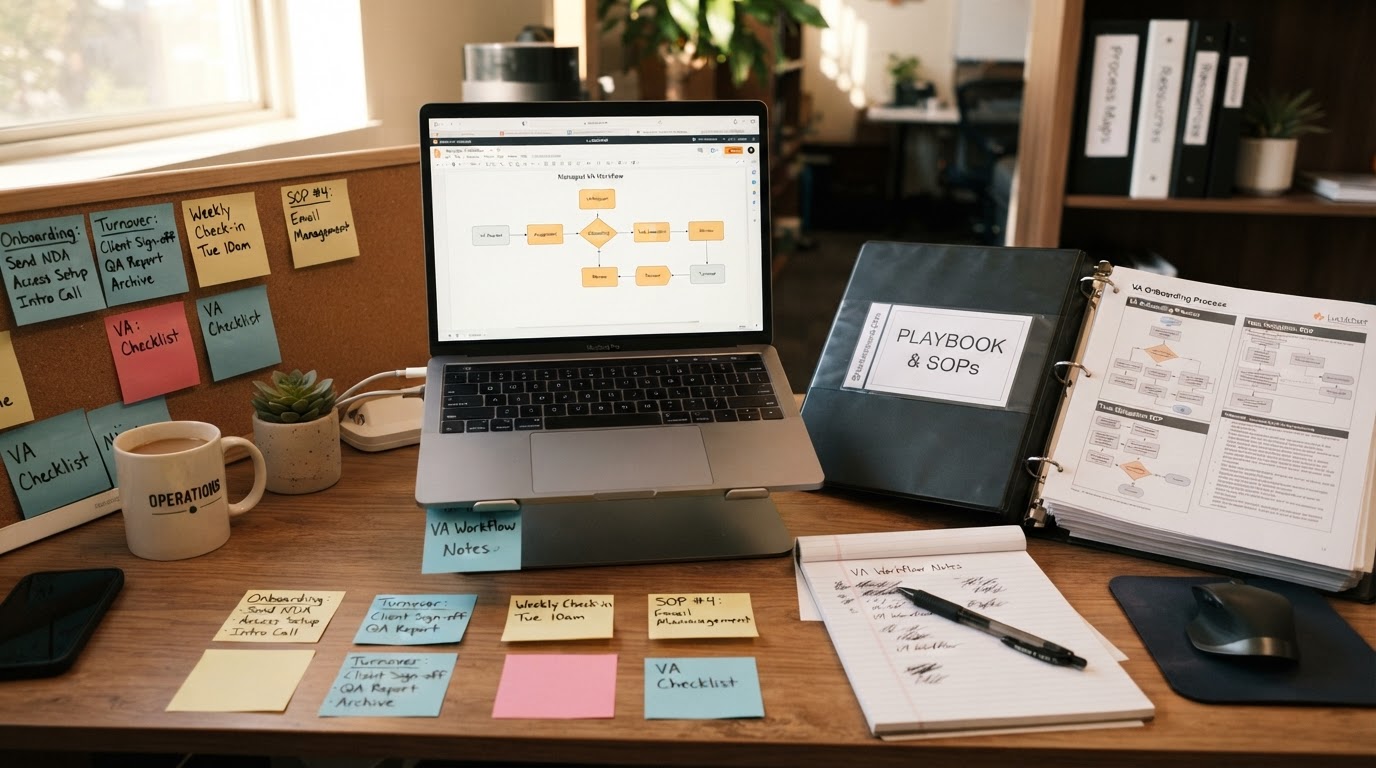
The Outsource Access Playbook (also known as the Signature OA Playbook) is a custom process documentation system created by Outsource Access during the onboarding phase of every virtual assistant engagement. Designed to eliminate key-person dependency and standardize remote operations, the Playbook translates informal founder knowledge into step-by-step Standard Operating Procedures (SOPs), complete with workflow maps, screenshots, video walkthroughs, and quality checklists.
Quick Decision Summary: What Problem Does the Playbook Solve?
Understanding the role of process documentation in offshore staffing helps business owners build scalable operations.
Primary Benefit:Eliminates "tribal knowledge" bottlenecks. If an assistant leaves, a replacement can review the Playbook and resume daily tasks without the founder repeating weeks of manual training.
Critical Distinction:Documentation is NOT software automation. A documented manual process still requires human labor; automated workflows eliminate manual steps through code and API triggers.
Why Process Documentation Is Essential for Remote Teams
The most common failure point when hiring virtual assistants is not candidate talent—it is unclear process expectations. When an employer asks a new remote assistant to "manage inbox inquiries" or "follow up on leads" without written SOPs, the assistant must guess the correct sequence, tone, and escalation rules.
Documenting processes into an operational Playbook solves three structural challenges:
- Quality Consistency: Tasks are executed according to exact corporate standards every time.
- Rapid Onboarding: New team members learn existing workflows in days rather than months.
- Turnover Resilience: Business continuity remains intact even when individual staff members transition out.
For further analysis of SOP development, read our guide on writing effective SOPs for virtual assistants.
The CAPTURE → DOCUMENT → OPERATE → TRANSFER → IMPROVE Framework
The Outsource Access Playbook methodology follows a 5-step documentation lifecycle:
The 5-Step Documentation Framework
1. CAPTURE
The founder or team lead records a screen walkthrough or performs the task alongside the assistant, explaining decision logic out loud.
2. DOCUMENT
The assistant and Team Leader translate the raw recording into written step-by-step SOPs, complete with annotated screenshots, tool credentials, and exception rules.
3. OPERATE
The assistant executes daily work following the documented Playbook, verifying steps against quality checklists.
4. TRANSFER
If the primary assistant is absent or promoted, another team member uses the Playbook to execute tasks seamlessly.
5. IMPROVE
SOPs are updated quarterly as software tools update or workflows become streamlined.
Process Documentation vs Software Automation: What Business Owners Must Know
A frequent misconception among business owners is confusing process documentation with process automation:
| Dimension | Process Documentation (Playbook / SOP) | Software Automation (APIs / Zapier / n8n) |
|---|
| Execution Method | Human virtual assistant follows written instructions step-by-step | Automated software triggers move data instantly without human click |
| Speed & Scalability | Limited by human labor hours (e.g. 40 hours/week) | Instantaneous execution at unlimited scale (24/7/365) |
| Best Used For | Tasks requiring human judgment, nuance, empathy, or custom review | Strict rules-based data transfer, CRM tag updates, & webhook routing |
| Relationship | SOPs define the exact logic required to build future automations | Automation replaces manual steps defined in human SOPs |
The ideal operational strategy uses documentation to clarify human workflows, then implements software automation for repetitive data transfer. Read more in our guide to automating versus delegating business tasks.
How the Playbook Enables AI-Augmented Workflows
Once a process is clearly documented in an OA Playbook, virtual assistants can use AI tools (such as ChatGPT, Claude, or custom prompts) to accelerate task execution. For example:
- Drafting Email Responses: The Playbook defines brand guidelines; AI generates initial drafts; the VA verifies and sends.
- Data Extraction: AI parses unstructured PDF invoices; the VA verifies the data into the CRM following Playbook rules.
- Content Summarization: AI condenses long meeting transcripts; the VA formats the action items for team distribution.
When to Transition from Human SOPs to Done-For-You Automation
If your virtual assistant spends 10+ hours every week manually copying data between web forms, updating CRM pipeline stages, or sending standardized reminder texts, documenting the process is only Step 1. The logical next step is implementing a done-for-you workflow automation system that connects your software stack via Zapier, n8n, or webhooks.
Summary Recommendations
- Build Playbooks for Human Tasks: Use process documentation for customer service, executive calendar management, and nuanced content review.
- Automate Rules-Based Tasks: Use API integrations and webhooks for pipeline updates, lead routing, and transaction logging.
- Explore Managed Support: Combine documented SOPs with managed Filipino VA execution for balanced operational scale.